Pick a design
Simple, Branded, or Premium. Six designs across three levels. Pick the look that fits your business.
A QR code built by Brett, front end, back end, and servers, all in-house. Print it once. If your menu, website, or offer changes, Brett changes where the code points, and the printed code still works.
Rent is live only while rent is current. Included in every Hustle Page, never double-charged.

No reprinting, no new flyers, no dead code on a menu, card, or poster.
Simple, Branded, or Premium. Six designs across three levels. Pick the look that fits your business.
Brett builds the code and the short link it points to. Tell him where it should go, a website, a menu, a pay link, a booking page.
Print it on a card, menu, poster, or flyer. When the destination changes, Brett changes the link behind it. The printed code keeps working.
Brett designs the front end, builds the back end, writes the scripts, and runs the servers. That is why the destination can change without reprinting, and why the code stays under Hidden Value Solutions, not a third-party QR site.
Rent is $5 a month per code, on every level. Yearly rent: pay for 10 months, get 12. Buy prices are one-time setup, by level and pack size, below.
Classic, Corner Mini. Clean, clear, easy to scan.
Brand Banner, Center-Mark. Your brand, front and center.
Dots, Design 6. Gradient, HVS mark, and Visit banner. Brett's own menu uses Design 6.
Design names are the locked HVS set: Simple — Classic, Corner Mini. Branded — Brand Banner, Center-Mark. Premium — Dots, Design 6. Tell Brett which design you want when you order.
This is the menu customers were missing. Tap any design below, and it sets that design's level in the rent and buy pickers below, so you are ordering exactly the one you picked, not just a level in general.
15 designs total now, 5 per level. Prices stay the same per level: Simple $29 single, Branded $39 single, Premium $49 single, 5-packs $129 / $169 / $219, 10-packs $249 / $329 / $419, rent $5 a month per code, every level.
Tap a design, then scroll down. Your rent level and your buy level will already be set to that design's level, and the total in the button will follow what you pick next.
A QR code is only useful if a customer knows why to scan it. Here is how real businesses use one, and what yours can point to.
One scan takes them straight to your offer, menu, or booking page, no typing, no searching.
Your card stops being just a phone number. Scan it, and they get your website, your reviews, and a way to book.
Put it on a menu, a table tent, or a counter card. Customers scan and see the full menu, today's specials, or order ahead.
Closed? After hours? The window code still works. Scan it, book a call, see hours, or order.
Your truck is a moving flyer. A code on the door turns a neighbor watching you work into a booked job.
After the job, the receipt code points to a review page, a re-book link, or a referral offer.
Your full site, services, photos, and phone number, in one scan.
A full menu that Brett can update without reprinting the menu itself. Change a price or a special, the printed code still works.
Straight to your booking calendar. No call, no wait, they pick a time.
Straight to payment. Deposit, invoice, or full payment, paid on the spot.
After a good job or a good meal, one scan to leave a 5-star review.
A deal, a discount, or a first-visit offer. Change the offer later, the printed code still works.
Save your number, email, and website straight to their phone.
Before and after photos, recent work, or a shop tour.
Your Facebook page, or a new post, a video, or a sale announcement.
Code on the truck, the flyer, and the invoice. Scan it, book a job, see services and prices, pay a deposit, or leave a review after the work is done. One code on a job-site sign turns foot traffic into calls.
Code on the menu, the table, and the door. Scan it for the full menu, today's specials, allergen info, or to book a table. Change the menu or the special, no reprint needed.
Code on the counter, the cup, the bag, and the drive-thru sign. Scan it to order ahead, see the combo deals, join a loyalty offer, or leave a review before they drive away. Speed is the whole point, and a scan is faster than typing a web address.
Code on a tag, a thank-you card, or a market table sign. Scan it to your shop, your Hustle Page, or a single product. Every Hustle Page already includes a QR code, never double-charged.
Code at the front desk and on the business card. Scan it to book a chair, see services and prices, or re-book after a visit.
Code on a bulletin, a poster, or a welcome card. Scan it for service times, a visitor form, giving, or event registration. Change the event, the printed poster still works.
Code on a yard sign or a rental flyer. Scan it for photos, price, open-house times, or to book a showing. Change the listing, the sign still works.
If you hand it out, put a code on it. A flyer with no code asks a stranger to remember you and type your name later. A flyer with a code gets the scan right now, while they are still looking at it.
Print it once. Point it anywhere. Change where it points anytime, without reprinting. That is the whole HVS QR System.
Sample visuals below, all pointing to Brett's QR menu example for scanning. Your real code will point where you tell Brett to point it. The QR code itself always stays square, so a phone can read it, the variety is in the modules, the colors, the frame, the banner, and what sits in the center. That is how each one is different, on purpose. Tap a design in the catalog above to order that level, or pick Custom below for your own look.
Shapes, honestly: a phone reads a square grid of modules, so Brett does not cut the code into a circle or a heart and call it scannable. He changes the module shape, square, rounded, dots, bars, gaps, the frame shape, square, rounded card, teal frame, gold frame, and the banner on top, so the code looks different and still scans clean. Clean products only, if a shape would break the scan, Brett will not ship it.
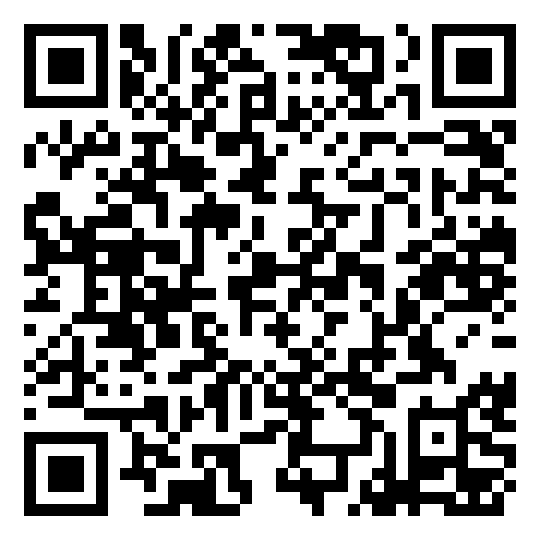
DIFFERENCE: Full-size square black modules, no frame, no banner, no center mark. This is the plain, fastest-to-read code. Different from Corner Mini because it fills the whole card, no small code, no corner brackets.
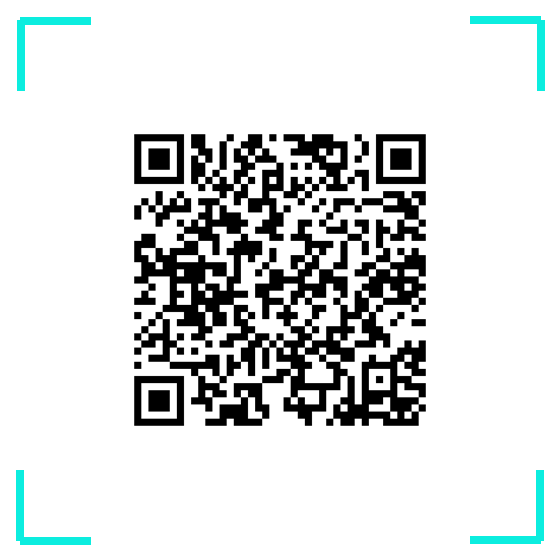
DIFFERENCE: A smaller code centered on a white card, with teal corner brackets only. Different from Classic because the code itself is smaller in the frame, and the brackets tell the eye where to scan. Best for a card back where you want white space around it.
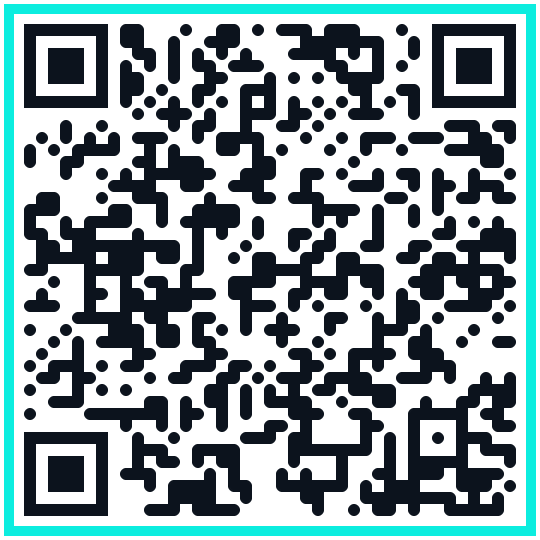
DIFFERENCE: Rounded modules, not square modules, inside a solid teal frame. Different from Classic in both module shape and frame.
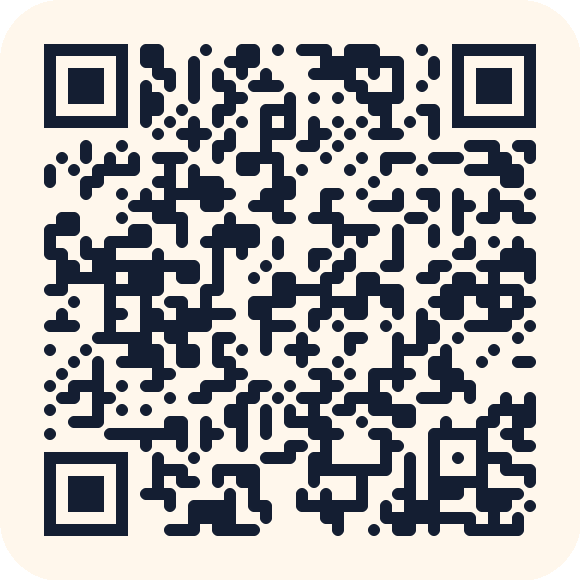
DIFFERENCE: Rounded modules on a rounded cream card. Different from Clean Frame because the whole card is rounded, not just the modules, and there is no teal frame line.
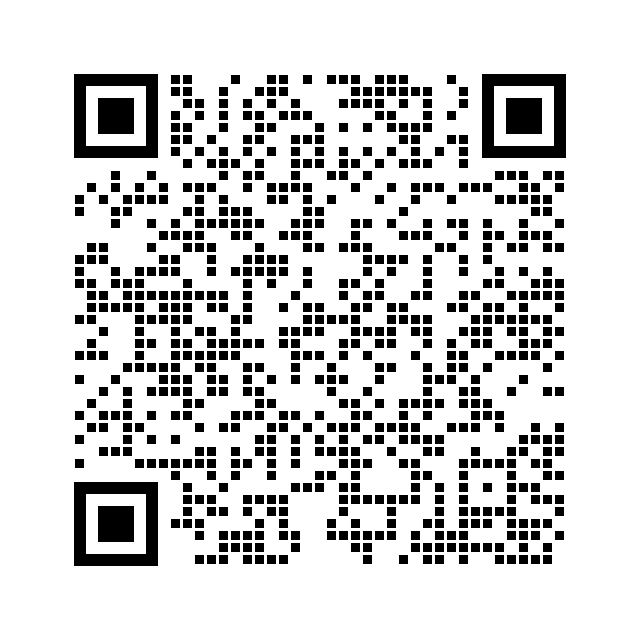
DIFFERENCE: Gapped square modules with extra white space between them, on a large white card. Different from Classic because the modules are separated, not solid blocks, so it reads lighter and quieter.
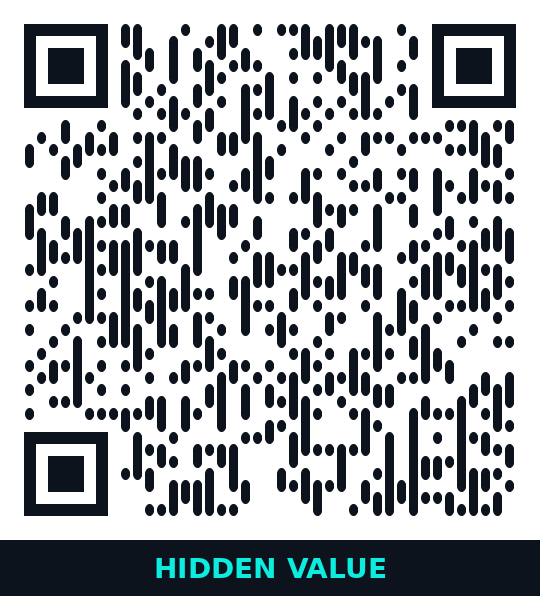
DIFFERENCE: Vertical bar modules, not squares, with a HIDDEN VALUE banner on top. Different from every Simple code in module shape and banner.
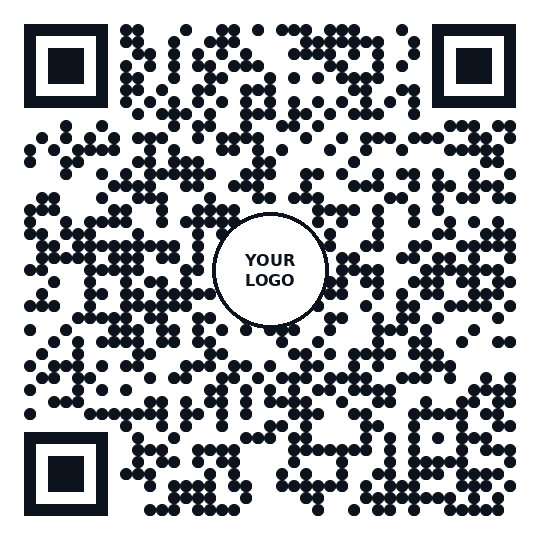
DIFFERENCE: Circular dot modules with YOUR LOGO in the center. Not HVS, your logo goes here on a real order. Different from Logo Badge because the modules are dots, not squares.
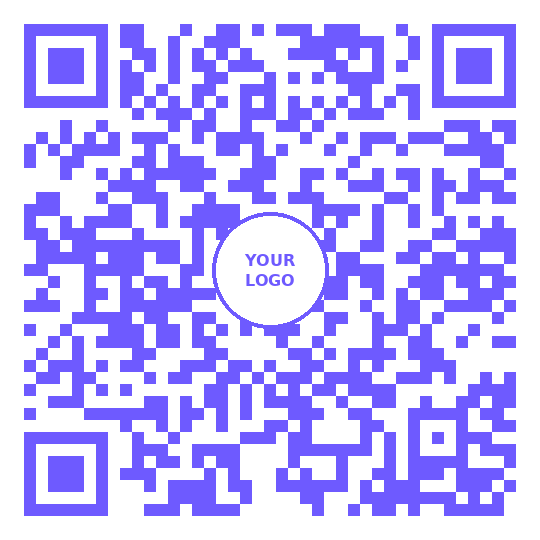
DIFFERENCE: Purple square modules with YOUR LOGO as a badge in the center. Your logo, not HVS, on a real order. Different from Center-Mark because the modules are squares and the color is purple.
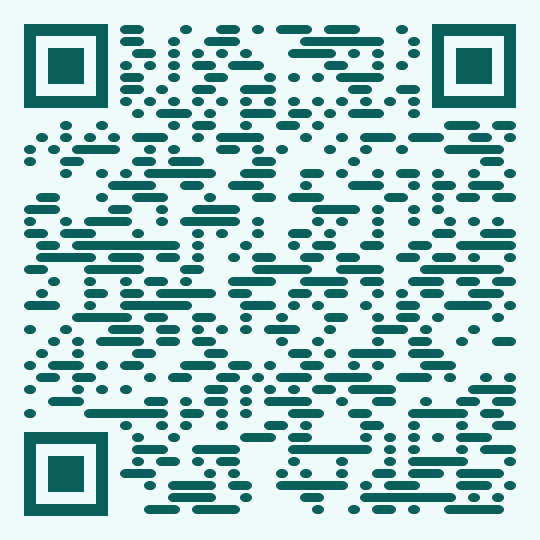
DIFFERENCE: Horizontal bar modules in dark teal on light teal. Different from Brand Banner because there is no banner, the color is in the bars themselves.
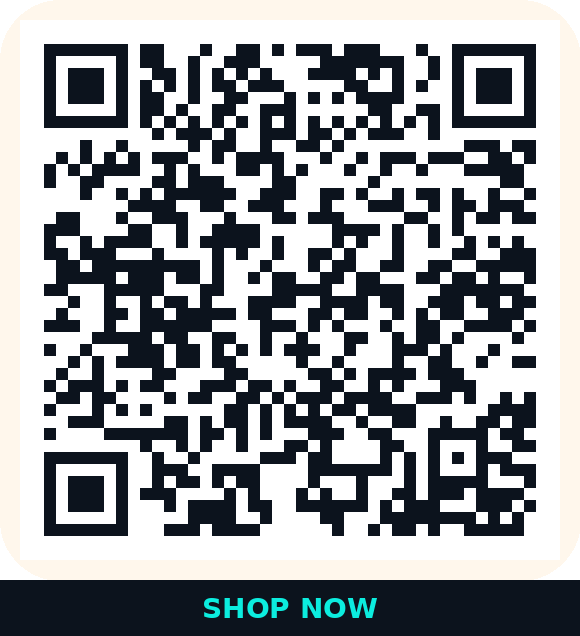
DIFFERENCE: Square modules on a rounded card with a SHOP NOW banner. Different from Brand Banner because the card is rounded and the banner says Shop Now, not a brand name.
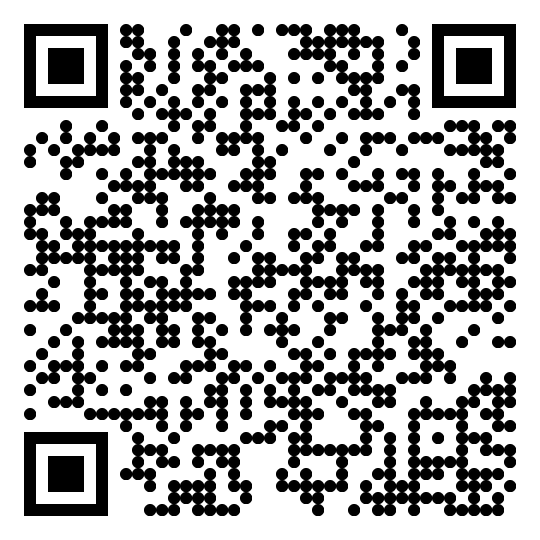
DIFFERENCE: Full circular dot modules, black on white, no frame, no banner, no center. Different from Center-Mark because there is no logo in the middle, the dots are the whole design.
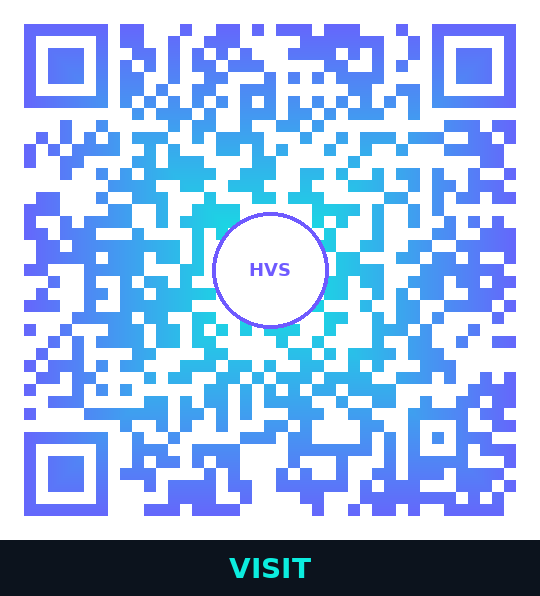
DIFFERENCE: Square modules in a teal-to-purple gradient, HVS in the center, VISIT banner below. This one is Brett's own menu example, so it keeps HVS, yours would keep your mark. Different from Gradient Glow because it has a gradient plus a banner plus a center mark, all three.
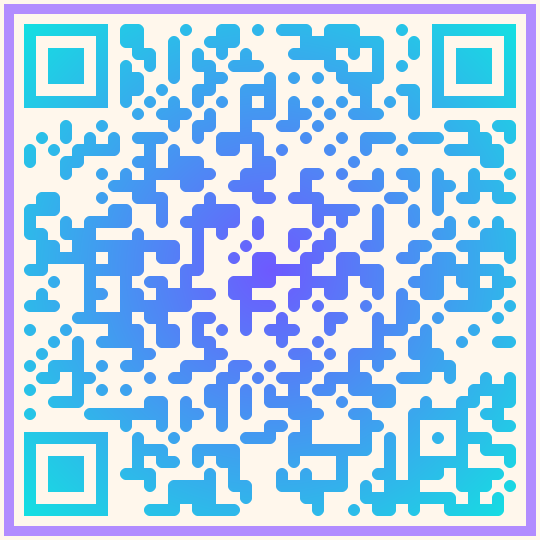
DIFFERENCE: Rounded modules in a radial purple-to-teal gradient, inside a lavender frame, no banner, no center. Different from Design 6 because the gradient is radial, the modules are rounded, and there is no banner.
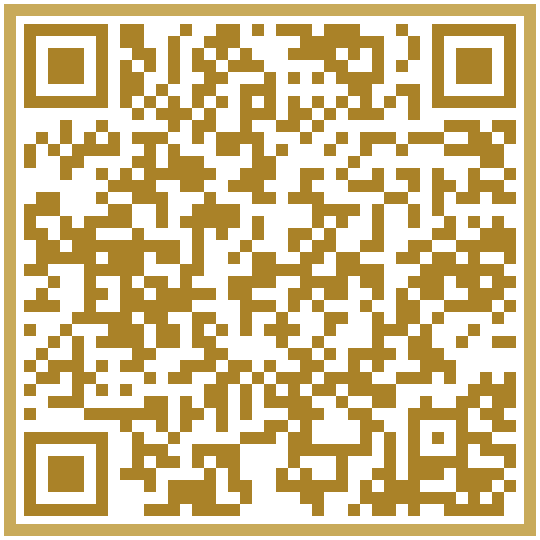
DIFFERENCE: Gold square modules inside a thick gold frame. Different from every other code in color alone, gold, not black, teal, or purple.
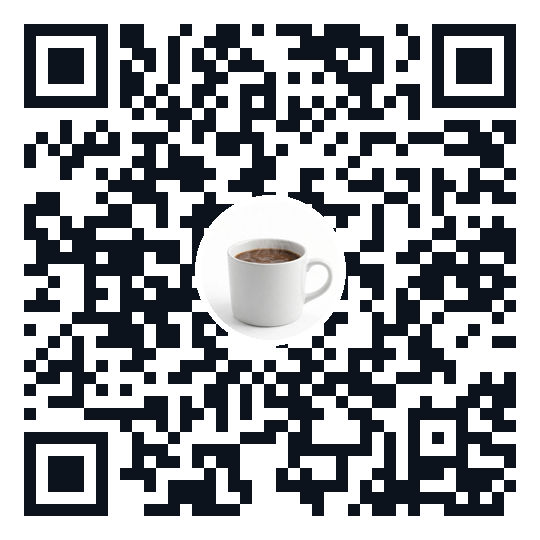
DIFFERENCE: Navy square modules with a SAMPLE coffee cup photo in the center. This is a sample only, to show you how your product would look in there, it is not tied to that coffee cup. On a real order, Brett puts YOUR product photo in the center, a mug, a dish, a truck, a haircut, whatever you sell. Different from Logo Badge because the center is a photo, not a logo.
None of the 15 fit exactly? Tell Brett your colors, your logo, your photo, and what you want it to point to, and he builds a one-off custom code for you.
How custom works: You send your logo, colors, and destination. Brett builds a sample, shows it to you first, quotes it before any work begins, and no work starts until you approve the price. Custom is quoted per job, it is not a fixed $29 / $39 / $49 design, because the work is different every time.
Ask Brett for a Custom QR CodeOr Pick One of the 15 AboveThis is the menu you asked for, like the website tally. Pick step by step, the total goes right in the button, and the button goes to pay. The code itself stays square so it scans, the shape is the frame around it, the dots are the modules inside it.
Shape, dots, and center choices above are included in the level price, no extra charge for picking Circle, Dots, or YOUR LOGO. If you want something beyond these choices, that is Custom, quoted before work begins, in the Custom section below. This calculator does NOT pre-fill Stripe. On Stripe, enter the tallied amount Brett confirms.
Example you asked for: Pick Gold Circle frame + Circle dots + YOUR LOGO center + Premium single, total $49. Pick Gold Circle + Circle dots + YOUR LOGO + Premium 5-pack, total $219. The gold circle image above is that combination, circle badge, dot modules, logo center, gold ring.
Brett only ships clean, scannable codes. If a size, a color, or a shape would make it unreliable, he will tell you, and he will not print it that small.
A QR code is a grid of small squares, called modules, with white space between them, called the quiet zone. A phone camera has to see each module as separate, with clear contrast, and clear space around the code. When the code is printed too small, the modules sit too close together for the camera to separate them. Edges blur, dots bleed into each other, contrast drops, and the camera cannot tell where one module ends and the next begins. The result is a code that looks fine to the eye, but will not scan, or scans only if the phone is held perfectly still, perfectly close, in perfect light. That is not a clean product, and Brett does not ship it.
On a business card, do not go below about 1 inch square, 2.5 cm, for the code itself, not counting the frame or banner. Smaller than that, and a normal phone at a normal arm's length struggles to separate the modules.
On a flyer, menu, or table tent, use 1.5 to 2 inches square, so it scans from across a table, not just from 6 inches away.
Rule of thumb: the code should be about one-tenth of the distance the customer will scan from. Scanning from 10 feet away needs about a 12-inch code. Scanning from a car at a drive-thru needs a much larger code than scanning from a counter.
Always leave clear white space around the code, no text, no logo, no border touching the modules. Keep dark modules on a light background, never light on light, never low contrast. Before a bulk print, Brett test-scans the actual printed size, at the actual distance, on a normal phone, not just on a screen.
These sizes are guidance for reliable scanning, not a guarantee for every phone, every light, and every print job. If you want it smaller than the guidance above, Brett will show you a test scan first, and if it does not read clean, he will size it up. Clean products only.
Not a code you rent from a QR website. A code Brett builds, controls, and changes for you. Here is why that matters, honestly, pros and cons included.
Quick to make. No build time. Works for a one-off flyer if you never need to change it.
You do not own the link. They control the redirect, the branding, and the rules. If they change terms, raise prices, add their logo, or shut down, your printed code can break, or point somewhere you did not choose. Change limits, scan limits, and paywalls are common. Your code lives on their system, not yours.
Brett owns the system, front end, back end, scripts, and servers. You own the design and the short link behind it. Print once, change where it points anytime, without reprinting. No third-party branding on your code. No outside company holding your printed flyers, menus, and cards hostage. Prices set by Brett, rent $5 a month, buy singles and packs, included in every Hustle Page, never double-charged.
Rent codes are live only while rent is current. A redirect change goes through Brett, it is not a self-serve dashboard you click at 2 AM yet. Scan-count tracking is not live yet, that needs the server build, so I will not promise it today. Buy codes are yours to use, rent codes stop if rent stops, that is the trade for $5 a month.
This is how you use it best. The QR code does not have to go to just one thing. It can go to a menu page, and on that page the customer picks what they want, like this:
Scan it, pick: See the full menu, Today's specials, Order ahead, Book a table, Leave a review, Pay the bill. One code on the table, six choices, no app to download.
Scan it at the counter or drive-thru, pick: Combo deals, Order ahead, Loyalty offer, Leave a review. Speed is the point, a scan beats typing a web address while cars are waiting.
Scan it on a truck, flyer, or invoice, pick: See services and prices, Book a job, Pay a deposit, See before and after photos, Leave a review. One code, the whole business, in their hand.
Scan it on a tag or thank-you card, pick: Shop the full store, This product only, New arrivals, Sale items, Contact the seller. That is exactly how a Hustle Page works, with the QR code already included.
Code on the truck door, the invoice, and a job-site sign. Scan it, book a repair, see services, pay a deposit, or leave a review after the fix. A neighbor watching you work becomes a booked job without a phone call first.
Code on the van, the flyer, and the estimate sheet. Scan it to book, see before and after work, or re-book a seasonal check. One code follows the crew from job to job.
Code on the yard sign while you work, and on the door hanger you leave behind. Scan it to book a quote, see services and prices, or sign up for a recurring visit.
Code on the menu, table tent, and door. Scan it for the full menu, specials, allergen info, or to book a table. Change a price or a special, no reprint.
Code on the counter, cup, bag, and drive-thru sign. Scan it to order ahead, see combos, join a loyalty offer, or leave a review before they drive away.
Code on the cup sleeve, the menu board, and the truck side. Scan it for today's menu, order ahead, or a loyalty deal. Move the truck, the code still works, Brett just changes where it points if the menu changes.
Code on a thank-you card inside every package, on a product tag, and on a market booth sign. Scan it to your shop, your Hustle Page, a single product, or a review page. A buyer who loved the package can buy again in one scan, without searching Etsy for your shop name.
Code on a market table, a clothing tag, and a business card. Scan it to your shop, your new arrivals, or a sale page. At a market, a shopper who walks past can still buy later, because the code is on the tag they took home.
Front of the card stays clean, name, phone, business. Back of the card is the QR code, with one line: "Scan to book, see my work, and pay." One card now does the job of a flyer, a website link, and a booking page, and it fits in a wallet.
Code at the front desk, on the mirror card, and on the business card. Scan it to book a chair, see services and prices, or re-book after a visit.
Code on the receipt and the shop window. Scan it to book a service, see detailing packages, or leave a review after a wash.
Yard sign code to photos, price, and a showing booking. Rental flyer code to availability and an application link. Church bulletin code to service times, visitor form, and giving. Event poster code to registration, and when the event changes, the poster still works.
Print it once, point it anywhere, change it anytime, and you own it. A flyer with no code asks a stranger to remember you later. A flyer with your own code gets the scan right now, while they are still looking at it.
Tap a level, pick how many codes, and the total goes right in the button. Rent is live only while rent is current.
Tap a level, tap a pack size, add a printed card if you want one. The total goes right in the button.
Buy prices, one-time: Single — Simple $29, Branded $39, Premium $49. 5-pack — Simple $129, Branded $169, Premium $219. 10-pack — Simple $249, Branded $329, Premium $419. Printed card +$15.
Setup and the first month are paid together upfront before any work begins, for rent orders. Buy orders are one-time setup, paid upfront. No work starts until payment clears.
Customer enters the amount Brett states, from the rent or buy tally above. Takes cards, Cash App Pay, Affirm, Afterpay, Klarna, Amazon Pay, ACH.
Pay Now — Enter the Amount Brett Quoted YouReal Stripe link: https://buy.stripe.com/dRm00b1ZZgf99FR4UheIw01 — this is a real payment destination, not a demo. This calculator does NOT pre-fill Stripe. On Stripe, you enter the tallied amount Brett confirms.
Included in every Hustle Page, never double-charged. If you buy a Hustle Page, your QR code is already in the kit. Do not buy it again here.
Buying a website? Add a QR code as an upsell right in the website tally, on the main website page, under "Add a QR code — upsell." Rent $5 a month, or buy Simple $29, Branded $39, or Premium $49, added straight into your Due Today total.
See Brett's QR Menu — Live ExampleBrett changes where your code points. The printed code keeps working. You do not reprint.
Rent codes are live only while rent is current. If rent stops, the code stops working until rent is current again.
Yes. Every Hustle Page includes a QR code in the kit. It is never double-charged.
Simple is clean and clear. Branded puts your brand front and center. Premium is the full showpiece look, including Design 6, the design on Brett's own menu.
Printed card is +$15, added in the buy tally above. Tell Brett what goes on the card when you order.
Owner: Brett Parrish, Thayer, Missouri
Phone: (417) 280-6288
Email: hiddenvaluesolutionsllc@proton.me